What Smart Home Devices Actually Collect
Every smart home device gathers some form of data to function — that's the baseline reality of connected technology. But the type and volume of data differs substantially depending on the device category. If you're new to how these devices connect and communicate, our introduction to smart home devices covers the fundamentals.
Here's a breakdown of what common device categories typically collect:
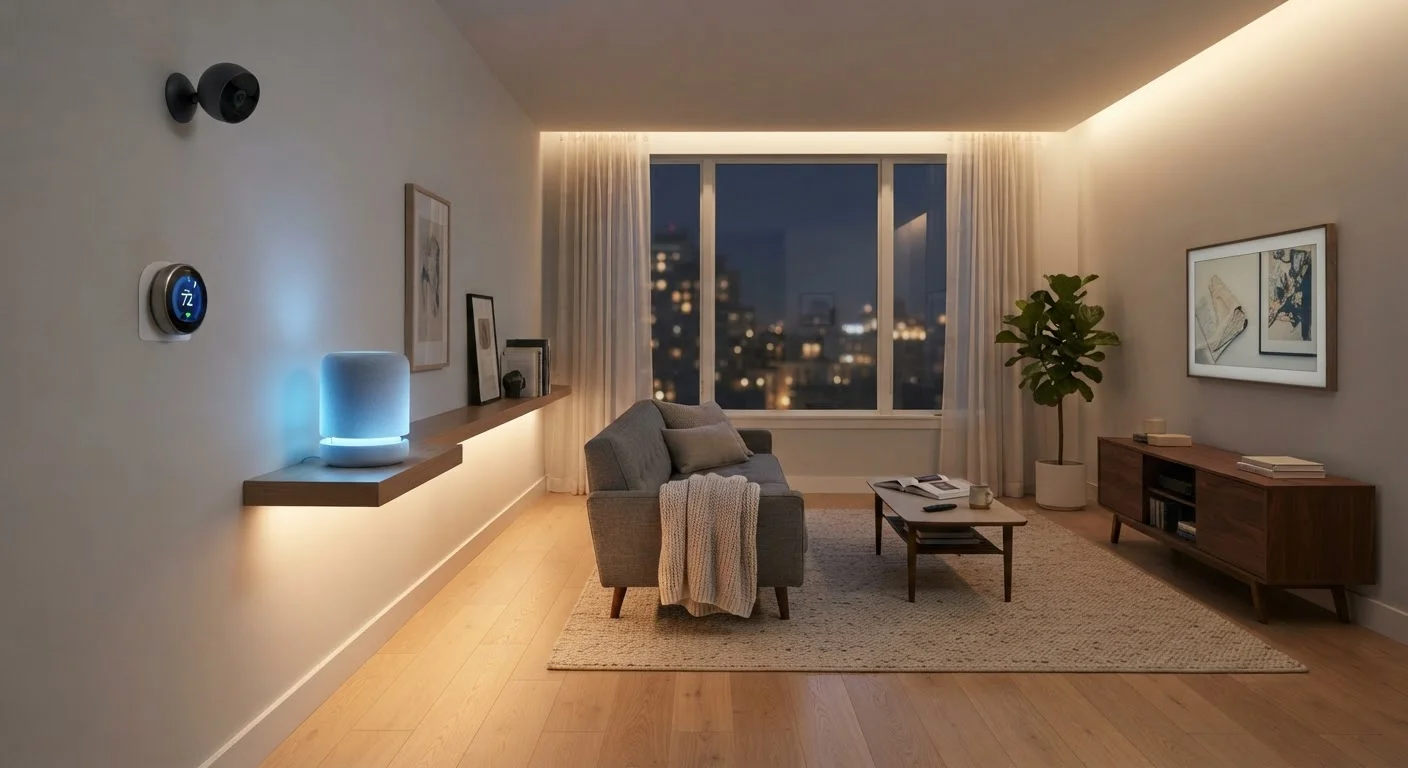
- Voice assistants — Audio clips triggered by wake words, query history, and smart home command logs. Many platforms store this data in the cloud to improve voice recognition models.
- Smart cameras and doorbells — Video footage (continuous or motion-triggered), facial detection data, and timestamps tied to household movement patterns.
- Smart thermostats — Occupancy schedules, temperature preferences, and HVAC usage patterns. Some models use motion or humidity sensors to infer whether the home is occupied.
- Robot vacuums — Floor plan maps of your home, cleaning frequency, and room-level navigation logs. Higher-end models may generate detailed spatial data stored in manufacturer cloud servers.
- Smart plugs and switches — On/off timing, energy consumption per device, and inferred usage routines.
This data is processed to deliver the features you expect: routines, automations, voice responses, and energy reports. The concern isn't that collection happens — it's whether you understand the scope and have meaningful control over it.
Local vs. Cloud Processing: A Key Distinction
Some devices process data entirely on the device itself (local processing), while others send data to manufacturer servers (cloud processing) to function. Devices that work locally — certain Zigbee or Z-Wave hubs, for example — typically share far less data with manufacturers. If minimizing cloud data exposure is a priority, look for devices that support local processing. Our smart home glossary explains these terms in plain language.
The Privacy Trade-Offs: Pros and Cons
Smart home data collection isn't one-sided. It enables genuinely useful features while introducing real privacy considerations that vary in severity. Understanding both sides helps you calibrate how much connectivity makes sense for your household.
Personalization improves with usage data
Devices learn your schedule and preferences over time, making automations like pre-heating your home or dimming lights at bedtime more accurate and hands-free.
Energy monitoring enables real savings
Smart thermostats and plugs use consumption data to surface patterns that help households reduce unnecessary energy use — though actual savings depend on individual behavior changes.
Remote access enhances home security
Smart cameras and doorbell devices use cloud connectivity to let you monitor your home remotely, with motion alerts and recorded clips accessible from a smartphone.
Routines reduce daily decision fatigue
Usage data powers multi-device routines — a morning sequence that raises the thermostat, starts the coffee maker, and adjusts lighting — all triggered automatically.
Detailed behavioral profiles accumulate over time
Collectively, smart home devices can build a granular picture of when your home is occupied, what appliances you use, and your daily routines — data that extends well beyond what most users realize they're sharing.
Third-party data sharing is common practice
Most manufacturer privacy policies permit sharing anonymized data with analytics or advertising partners. The extent of this sharing is rarely highlighted during device setup.
Account breaches expose home-level data
A compromised smart home account can give attackers access to live camera feeds, location data, and device history — risks that scale with how many devices are connected.
Privacy policies can change post-purchase
Manufacturers can update their data practices after a device is in your home, sometimes significantly altering what's collected or shared, with notification typically limited to an email or in-app alert.
Microphone-enabled devices carry always-on risk
Voice assistants depend on always-listening microphones for wake-word detection. Accidental activations — where a conversation is recorded unintentionally — have been documented by multiple platform providers.
One underappreciated risk is that data breaches at a device manufacturer can expose home routines, location patterns, or camera footage. Privacy policies also permit most manufacturers to share anonymized or aggregated data with advertising partners — check the specific terms for any device you own. The surprises that catch first-time smart home buyers off guard often include exactly these kinds of data-sharing disclosures buried in setup flows.
Steps to Reduce Your Exposure Without Losing Functionality
You don't have to choose between a fully connected home and basic privacy. A few targeted adjustments can reduce unnecessary data exposure while preserving the features you rely on.
12+
Average connected devices per U.S. household
According to Parks Associates research, many U.S. households with broadband now operate more than a dozen connected devices, each generating its own data stream.
~30%
Smart home users who review privacy settings
Consumer surveys consistently indicate that a minority of smart home device owners actively review or adjust privacy and data settings after initial setup.
- Audit app permissions — Review what each companion app requests. Most smart home apps ask for location access; disable it if the feature isn't essential to how you use the device.
- Enable two-factor authentication — Securing your account credentials is the single most effective step against unauthorized access to your device feeds and history.
- Mute or schedule microphones — Most smart speakers have a hardware mute button that physically disconnects the microphone. Use it when privacy matters most.
- Delete voice and activity history — Platforms like Amazon Alexa and Google Home allow users to delete stored audio and activity logs via their apps or account dashboards.
- Segment your network — Placing smart home devices on a separate guest Wi-Fi network limits what they can access on your primary home network. See our guide to smart home wireless protocols for context on how these networks behave differently.
- Read the privacy policy before buying — Device manufacturers differ in how long they retain data, whether they sell it, and what happens to your data if the company is acquired.
For a broader overview of managing your setup, the step-by-step smart home setup guide includes practical advice on building a connected home with your comfort level in mind.