How to Use This Glossary
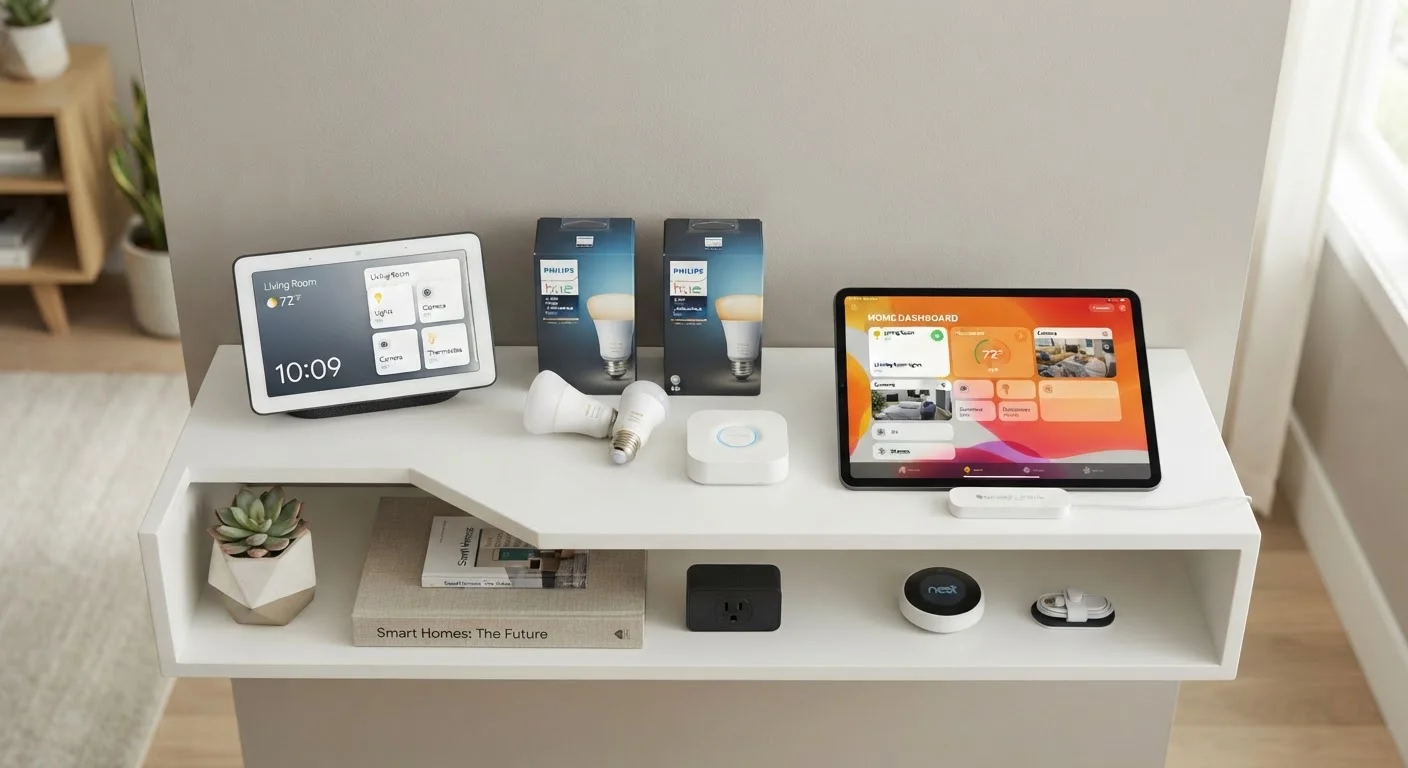
Smart home technology has developed its own dense vocabulary, and without a baseline understanding of the terms, even straightforward buying decisions can feel opaque. This reference covers the core concepts you'll encounter when setting up, expanding, or troubleshooting a connected home — from wireless protocols to automation logic.
Each definition here is written to stand alone, but many terms are closely related. For broader context on how these pieces fit together, see how smart home devices connect and work together.
Connectivity, Protocols, and Standards
The wireless protocol a device uses determines how it communicates, how much power it draws, and which other devices it can work alongside. Most households encounter a mix of protocols — Wi-Fi for bandwidth-heavy devices like cameras, and lower-power options like Zigbee, Z-Wave, or Thread for sensors, locks, and switches.
| Matter standard launched | October 2022 (Connectivity Standards Alliance) |
| Zigbee operating frequency | 2.4 GHz (primary band) (Zigbee Alliance specification) |
| Z-Wave US operating frequency | 908.42 MHz (Z-Wave Alliance specification) |
| Thread max network nodes | Up to 250 devices per network (Thread Group specification) |
| Common hub platforms | Amazon Alexa, Google Home, Apple Home, Samsung SmartThings |
The Matter standard represents an industry effort to make cross-protocol interoperability the default rather than the exception. A Matter-certified device can be added to any compatible platform — Amazon, Google, Apple, or SmartThings — without locking you into a single ecosystem. For a deeper technical comparison of each protocol's tradeoffs, see the wireless protocols behind smart homes.
Matter Certification Doesn't Guarantee Every Feature
A device carrying the Matter label can connect to any Matter-compatible platform, but advanced or brand-specific features — like custom color effects on smart bulbs — may only be available through the manufacturer's own app. When evaluating a device, check which features transfer across platforms and which stay locked to the original ecosystem.
Protocols and Privacy Are Connected
Some protocols route device data through manufacturer cloud servers, while others — like Thread and Z-Wave — can operate locally on your home network. Local processing can reduce latency and limit external data exposure. For a deeper look at what smart devices collect, see our guide on smart home privacy.
Automations, Scenes, and Triggers: How Smart Homes Respond
The real-world value of a smart home often comes not from controlling individual devices manually, but from setting up automations that respond to conditions without requiring any input. Understanding the difference between a scene, a routine, and an automation trigger helps you design a setup that actually saves time and effort.
Scenes are best thought of as snapshots — a saved device state you can activate on demand. Routines string multiple actions together and can run on a schedule or in response to a trigger. Triggers are the conditions that set things in motion: a motion sensor detecting activity, a geofence boundary being crossed, or a specific time being reached.
If you're new to smart home tech and want to avoid the compatibility and subscription-cost pitfalls that commonly trip up first-time buyers, our article on things that catch first-time smart home buyers off guard is a useful next read.