Search for : ""
15 Hidden Samsung Watch Hacks to Explore
Shopping

15 Hidden Samsung Watch Hacks to Explore

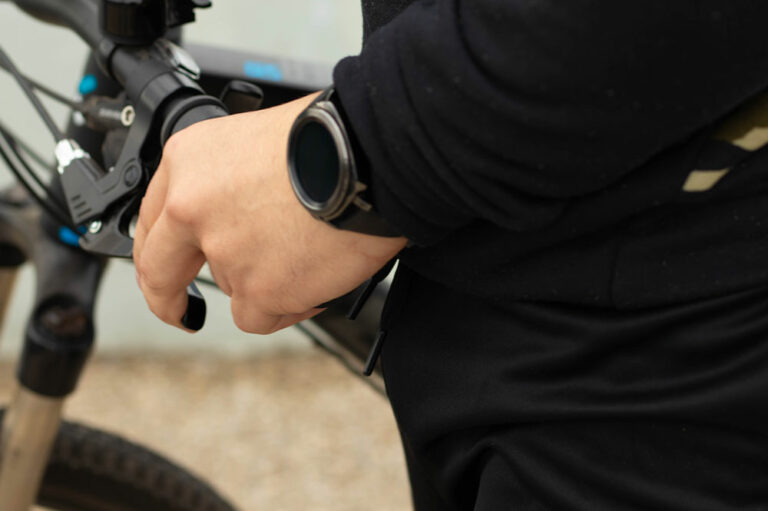
Samsung’s Galaxy Watches were primarily designed as health trackers to monitor exercise routines and assist users in managing their fitness. However, the latest models have advanced technologies that let one make and receive calls, listen to music, manage daily tasks, and do much more. Moreover, individuals can connect the watch to other smart devices at home or the workplace. These features make the Samsung Galaxy Watches popular among many people in the country. Hidden Hacks to Optimize the Samsung Galaxy Watch Like other Samsung products, the Galaxy Watch series is feature-rich. While some features are apparent, others are lesser-known and can only be discovered by spending time with and studying the device well. Below are 15 easy hacks that can help one optimally use the Samsung Galaxy Watch models, such as the Watch5 and Watch6: 1. Lock the screen for privacy and security Like its smartphones, Samsung’s smartwatches can be locked to prevent unauthorized persons from using them. One can enable the screen lock feature by visiting the Security and Privacy Settings menu on the watch and clicking PIN or Pattern. This feature helps keep information and data private and confidential. 2. Explore different modes The Samsung Galaxy Watch5 has multiple modes, such as Do Not Disturb, Bedtime, Theater, Water Lock, and Flight.
Read More
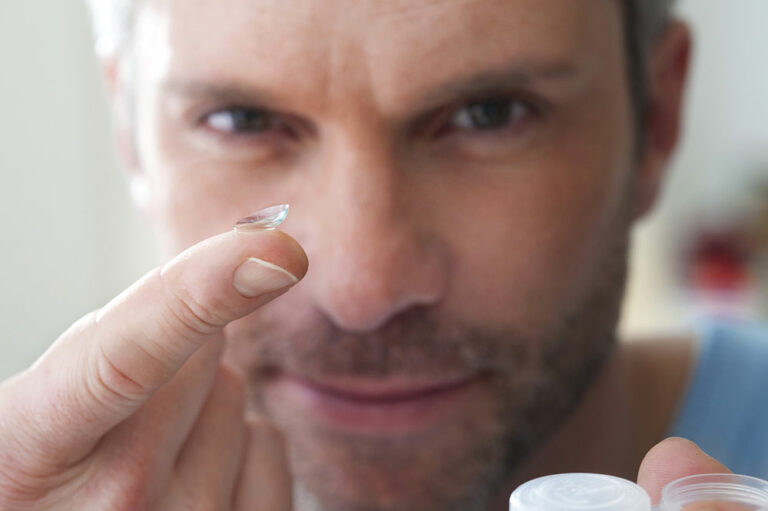
4 Ways to Maintain Eye Health While Wearing Contact Lenses
health

4 Ways to Maintain Eye Health While Wearing Contact Lenses

Contact lenses can be a lifeline for those who find wearing glasses regularly too cumbersome. They negate the need to clean the lens constantly and need barely any upkeep. Some might even prefer its aesthetic advantage, like allowing one to change the eye color. However, as contact lenses are closer to the eyes, one must take more precautions to maintain eye health. So, here are four ways to protect one’s vision while wearing eye lenses. Travel tips while wearing eye lenses When traveling, it is better to avoid wearing glasses all the time since they could prevent one from participating in activities like adventure sports and get fogged up or dusty. What one needs, thus, are eye lenses. However, if one isn’t careful, one may have to constantly deal with red, watery, and itchy eyes due to one’s contact lenses. Before one leaves on one’s travels, it is advisable to visit the eye care provider and ensure the prescription is up-to-date. During the trip, remember to take out the contact lenses before showering or swimming. Removing them prevents germs in the water from getting into the eyes. Also, replacing the contact lenses as often as one’s eye lens provider advises is essential.
Read More
Top 6 Features of Samsung Galaxy Z Fold Phones
Smartphones

Top 6 Features of Samsung Galaxy Z Fold Phones

Foldable phones give users the benefits of a large screen without having to carry a large device. All one has to do is fold the phone and slide it into a purse or pocket. Consequently, their popularity seems to grow, even though they can be more expensive than regular smartphones. Here, Samsung’s Galaxy Z Fold series is known for its multitasking abilities. Here is everything to know about the smartphone: Top features While the technology for a folding phone has been available for a long time, Samsung unveiled its folding touchscreen technology in 2018. It continued to work on this prototype and released the Galaxy Fold in the county in 2019. Since then, Samsung has launched two foldable options– the Flip and the Fold. While the former bends over a horizontal hinge, the Galaxy Z Fold phones bend over a vertical axis. Despite many Android options in the market, Samsung’s folding phones remain one of the favorites for their design and performance. There have been 5 phones launched in the Galaxy Z Fold series, with the Galaxy Z Fold 4 and Galaxy Z Fold 5 being the two latest models. Here are some of their key features: 1. Display and design The Samsung Galaxy Z Fold 4 and Fold 5 are excellent productivity tools as one can view and edit their documents comfortably in its expansive 7.6-inch Dynamic AMOLED 2x Infinity Flex Displays and 6.2-inch Dynamic AMOLED 2x Infinity-O outer screens.
Read More
10 Easy Ways to Control Data Usage
services

10 Easy Ways to Control Data Usage

Prepaid plans generally do not carry overage fees but require one to use data top-ups to continue using the internet. Whereas for postpaid plans, the user buys for a specific high-speed data limit. If one uses that data within a given period, one either pays overage charges for the additional data or continues using the internet at reduced speeds. Buying unlimited data plans, using the internet judiciously, and changing some phone settings can help prevent data overuse. Here are some ways of managing data usage wisely so that one can stay within purchased limits: 1. Get a data plan that covers the family needs Make a rough assessment of the monthly data required based on the number of family members and devices. On average, one requires around 1.5GB of data if one uses it only for browsing, reading news, texting, or sending and receiving emails. Others would need about 2 to 2.5GB of data for streaming apps, watching videos and movies, listening to podcasts, or playing games. Choose a plan that can provide the bandwidth for all the family members, considering if they would use Wi-Fi or other broadband at school, college, or workspace. One can find many carriers that offer plans offering 100GB and more.
Read More
7 Things to Expect From Samsung Galaxy S24
Smartphones

7 Things to Expect From Samsung Galaxy S24

Samsung Galaxy S series is one of the best Android smartphone series on the market, given its top-notch features and specs. With the Galaxy S24 phones expected to launch in early 2024, there is a lot of buzz about new features that could be added to the available tech, like AI or design upgrades to elevate the user experience and phone performance. So, here are some of the key features to expect from the S24: Things to expect To know what to expect from the S24, it is important to understand what its predecessor, the Samsung Galaxy S23 series, offers. It consists of three models: the base model S23, S23 Plus, and S23 Ultra with 6.1-inch, 6.6-inch, and 6.8-inch screens, respectively. All three have AMOLED displays and are powered by the Snapdragon 8 Gen 2 with 8GB RAM of 8 GB and storage options of 128GB and 256GB. The Ultra model comes with a 12GB RAM variant and a 1TB storage option. All three models have a 12MP front camera and three rear cameras, with the base and S23 Plus offering 50MP main, 12MP ultrawide, and 10MP telephoto cameras. However, the Ultra has a mindboggling 200MP main rear camera and an additional rear 10MP telephoto with 10x zoom.
Read More
Top 6 Affordable Tablets to Check Out
Shopping

Top 6 Affordable Tablets to Check Out

Tablets are designed to be more portable than laptops, as they are lightweight and have smaller screens. While some expensive professional and business tablets have advanced features and can replicate a laptop’s functions, affordable tablets have limited functions. They can be used for communication, browsing, entertainment, and photography. Many affordable tablets under $100 are ideal for students, seniors, travelers, and children. Six budget tablets under $100 for 2023 Here is a list of tablets that cost less than $100 and their salient specs and features: Samsung tablets under $100 1. 2016 Samsung Galaxy Tab 7.0 The Samsung Galaxy Tab 7.0, released in March 2016, runs on the Android 5.11 OS and is powered by a quad-core processor. It weighs 283 grams and has a 7-inch display. It has 1.5 GB of RAM and an 8GB micro-sim slot. It comes with a 5 MP front and 2 MP rear camera. 2. Galaxy A Tab 10.5 One can get the Galaxy A Tab 10.5 from Amazon for $104. It is a basic tab with an 8-inch display, a 5100 mAh battery, and 4G LTE call connectivity. One can connect to the internet using Wi-Fi or cellular data. It has 2 GB of RAM, 32 GB of storage, and expandable storage of up to 512 GB of microSD.
Read More
4 Common Mistakes to Avoid When Switching Phone Carriers
internet

4 Common Mistakes to Avoid When Switching Phone Carriers

Usually, when people find cheaper phone plans, they are automatically willing to switch their cell phone carriers. Suppose one is thinking of changing their cell phone provider. In that case, one can consider several factors, including the current plan’s billing cycle and alternative phone plans, before making a choice. One must review what goes into switching phone carriers, and one can look at the policies of companies like Verizon. 1. Don’t ignore the early termination fees Verizon can subject users to an early termination fee when they cancel their contract. The longer they carry on with the plan, the more they will be treated to a lesser termination fee. It can cost users up to $350 and will be reduced by $15 monthly. Sometimes, the fees can be substantial, so one must know how much it will cost to break the agreement. For companies like Verizon, users can also contact their current carrier to put forth any clarifications and specific details they need, which will be provided by their online customer support service or local store. 2. Remember to diligently compare plans and prices before switching One common mistake people frequently make is settling for a cheaper phone plan but missing out on many additional services and benefits.
Read More
Top Dyson Vacuum Cleaners and Deals to Check Out
appliances

Top Dyson Vacuum Cleaners and Deals to Check Out

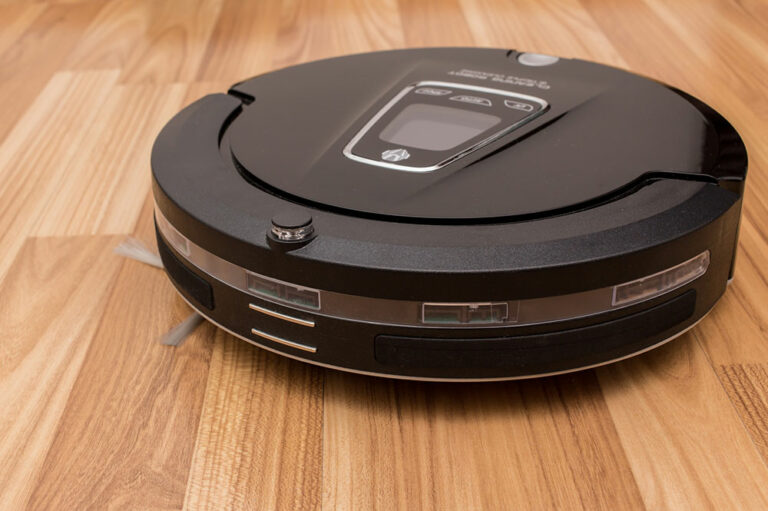
If one has recently started research on stick vacuums, they may soon realize that Dyson is one of the largest-selling home appliance brands. It manufactures corded and cordless vacuum cleaners, hair care devices, air treatment devices like purifiers and humidifiers, and floor and desk lamps. Dyson cordless vacuums are popular because they are powerful, efficient, and lightweight. While they are typically pricey, one can watch for sales on the official website or third-party sites. Different types of cordless vacuums from Dyson Dyson manufactures a range of vacuum cleaners like cordless, corded, hard floor, robot, wet and dry and handheld vacuums. The cordless or stick vacuums are efficient for everyday use, promise edge-to-edge cleaning, and more. They are lightweight, versatile and guaranteed heavy-duty performance with high-quality HEPA filters capable of removing micro dust and pet hair. They are easy to use and maintain, reducing the drudgery of cleaning significantly. The main models of Cordless vacuums from Dyson include: Gen5 V15 Detect V15 Submarine Detect V11 V12 Outsize V8 Omni-glide Humdinger Gen5 cordless vacuums from Dyson The Gen5 vacuum cleaners are the newest range of advanced cordless vacuum cleaners that can be converted into a handheld vacuum with the click of a button.
Read More